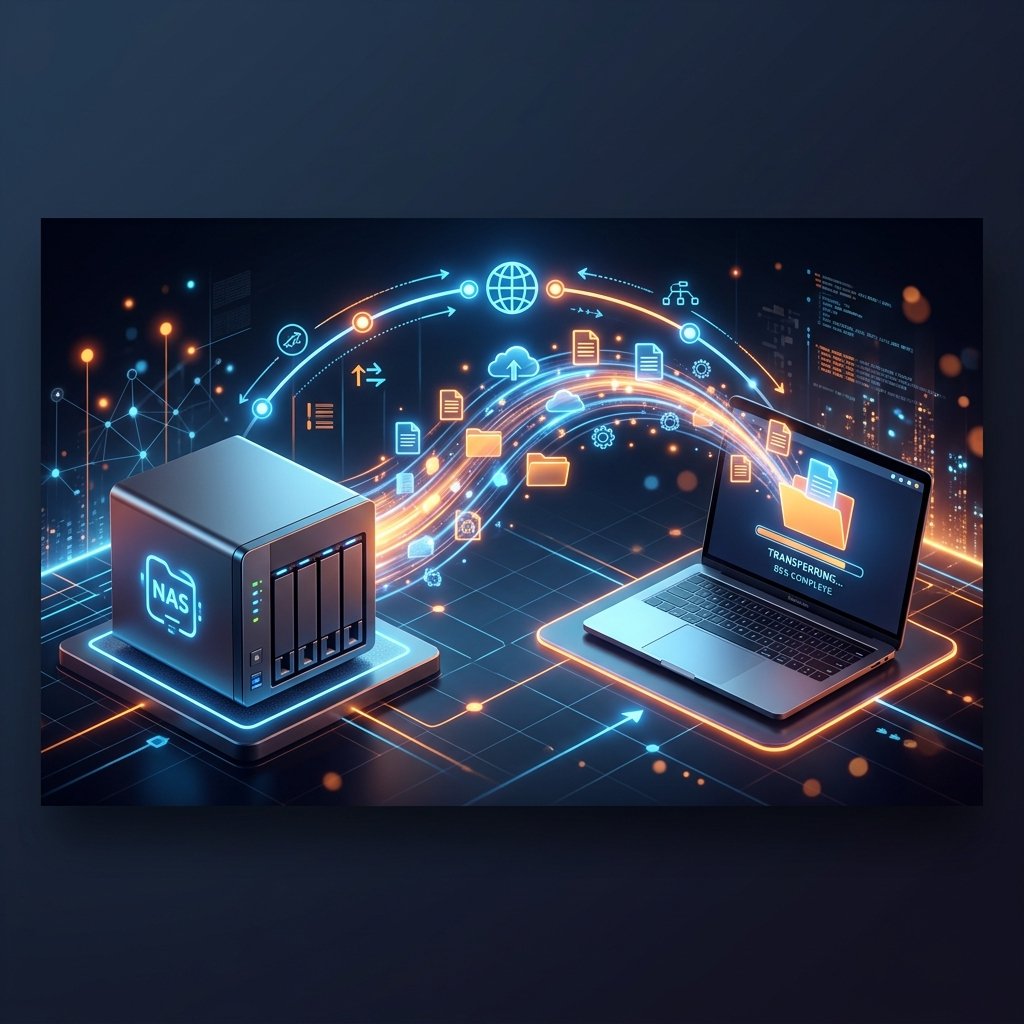
NAS devices (like Synology, QNAP, or DIY solutions on Windows Server) are perfect for storing backups, family photos, and work files without relying on Google Drive or Dropbox. But accessing your files when you are away from the office or traveling requires configuring external access.
Why avoid default manufacturer relay services?
Default manufacturer relay systems (like QuickConnect) are often slow because traffic is routed through their intermediary servers. By configuring your own domain with Cloudflare and keeping it updated with SyncMyIP, you establish a direct connection to your home or office, making full use of your fiber optic upload speeds.
Step-by-step secure setup
- Set up your local server: Ensure your NAS services or Windows Shares are operational on your local network.
- Point a domain with SyncMyIP: Assign a dedicated subdomain (e.g., files.yourdomain.com) in Cloudflare and configure it in SyncMyIP to track your dynamic IP.
- Implement SSL security: Leverage Cloudflare's free SSL certificates to encrypt all traffic to your network storage.
Running multiple network services?
If you run a NAS for files, a security camera server, and a smart home hub on the same network, you will need to update multiple Cloudflare DNS records independently. With the PRO version of SyncMyIP, you can configure unlimited profiles to update multiple subdomains simultaneously and completely automated.