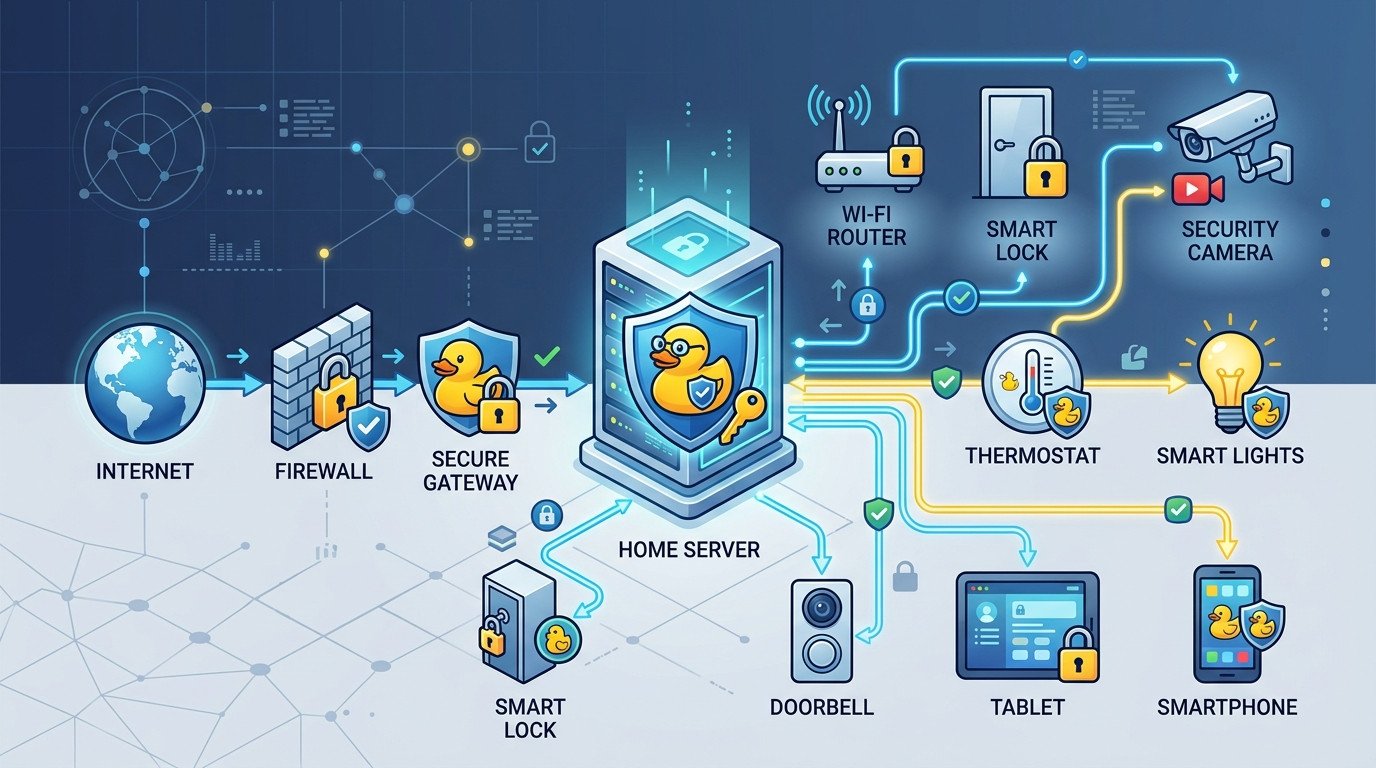
Accessing your Home Assistant installation remotely can be challenging when you have a dynamic IP address. Your ISP frequently changes your public IP, making it difficult to connect from outside your home network. This is where DuckDNS comes in handy.
What is DuckDNS?
DuckDNS is a free dynamic DNS service that automatically updates your domain when your IP address changes. This allows you to access your Home Assistant instance using a consistent domain name instead of an ever-changing IP address.
Prerequisites
- Home Assistant installed and accessible locally
- A router with port forwarding capability
- A DuckDNS account (free)
Step-by-Step Setup
1. Create a DuckDNS Account
Visit duckdns.org and sign in with your preferred method (Google, Reddit, or GitHub).
2. Register Your Domain
Choose a subdomain name (e.g., yourhome.duckdns.org) and click "add domain". Note down your unique token that will be displayed.
3. Configure Port Forwarding
Access your router's admin panel and forward port 8123 (Home Assistant's default port) to your Home Assistant device's local IP address.
4. Install DuckDNS Add-on in Home Assistant
In Home Assistant, go to Supervisor > Add-on Store, search for "DuckDNS", and install it.
5. Configure the Add-on
Click on the DuckDNS add-on, go to Configuration, and enter:
{
  "lets_encrypt": {
    "email": "your-email@example.com"
  },
  "token": "your-duckdns-token",
  "domain": "your-domain.duckdns.org",
  "aliases": []
}
6. Start the Add-on
Click "Start" and check the logs to ensure everything is working correctly.
Access Your Home Assistant Remotely
Once configured, you can access your Home Assistant from anywhere using: https://your-domain.duckdns.org:8123
Security Considerations
- Always use HTTPS (which Let's Encrypt provides)
- Consider changing the default port for additional security
- Regularly update Home Assistant and your system