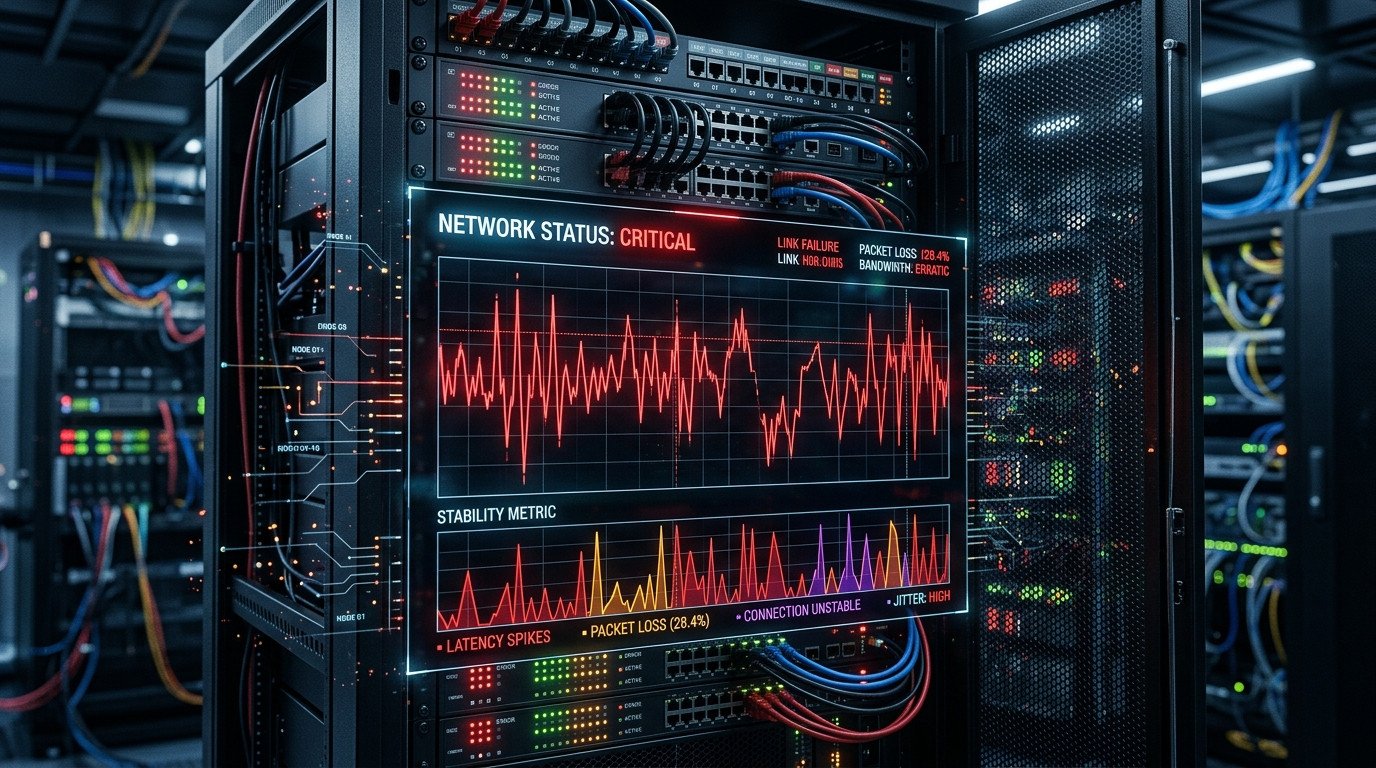
If you're experiencing issues with Plex remote access disconnecting frequently, you're not alone. This common problem typically occurs due to dynamic IP address changes that break the connection between your Plex server and remote devices.
Understanding the Problem
When your Internet Service Provider assigns a dynamic IP address, it can change periodically. This causes your Plex remote access to disconnect because the system can't locate your server anymore.
Common Symptoms
- Remote access works intermittently
- Connection drops after a few hours or days
- Error messages when trying to access Plex remotely
- Devices can't connect from outside your local network
Solution: Cloudflare + SyncMyIP Setup
The most effective solution involves using Cloudflare's DNS services combined with SyncMyIP for automatic IP updates.
Step 1: Configure Cloudflare
- Create a free Cloudflare account at cloudflare.com
- Add your domain to Cloudflare
- Set up DNS records for your Plex server
- Enable proxying for your Plex subdomain
Step 2: Install SyncMyIP
SyncMyIP automatically updates your DNS records when your IP changes:
# Download SyncMyIP client
download syncmyip-client-installer.exe

# Install with default settings
run installer as administrator

# Configure with your Cloudflare API credentials
enter email and Global API Key
Step 3: Configure Plex Settings
- Open Plex Media Server settings
- Go to Remote Access section
- Enable manual port configuration
- Set port to 32400 (default Plex port)
- Enable relay feature for better connectivity
Testing and Verification
After completing the setup:
- Restart your Plex Media Server
- Check Cloudflare DNS records updated correctly
- Test remote access from external network
- Monitor connection stability over 24-48 hours
Troubleshooting Tips
If issues persist:
# Check SyncMyIP logs
C:\ProgramData\SyncMyIP\logs\

# Verify port forwarding
ensure port 32400 is forwarded to Plex server

# Check firewall settings
allow Plex through Windows Firewall