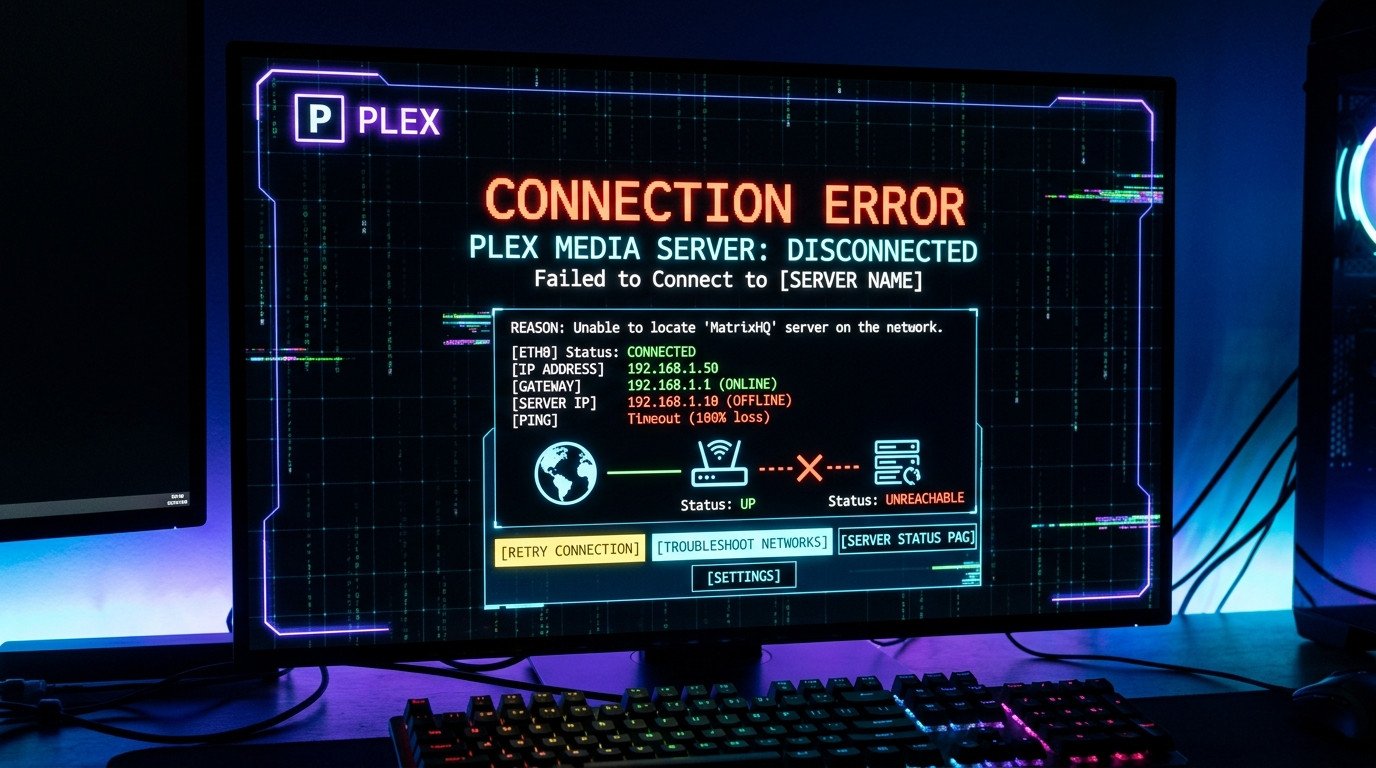
Are you experiencing issues with remote Plex access not working? This common problem typically occurs when your home network uses a dynamic IP address that changes periodically, breaking remote connections to your Plex server.
Understanding the Problem
When your ISP assigns a dynamic IP address to your router, that address can change without notice. This makes it difficult for remote devices to consistently connect to your Plex media server. The solution involves creating a stable domain name that automatically updates when your IP changes.
Prerequisites
- Plex Media Server installed and configured
- Router with port forwarding capability
- Cloudflare account
- SyncMyIP installed on your server computer
Step-by-Step Solution
Step 1: Configure Port Forwarding
Access your router's admin panel and forward port 32400 to your Plex server's local IP address. This allows external connections to reach your Plex server.
Step 2: Set Up Cloudflare
Create a free Cloudflare account and add your domain. Configure an A record pointing to your current IP address. This will serve as your stable domain name.
Step 3: Install SyncMyIP
Download and install SyncMyIP on your Plex server computer. This tool automatically updates your Cloudflare DNS records when your IP address changes.
Step 4: Configure SyncMyIP
1. Open SyncMyIP
2. Enter your Cloudflare email and API key
3. Select your domain from the dropdown
4. Set update interval to 5 minutes
5. Enable automatic updates
Step 5: Test Remote Access
Access your Plex server remotely using your domain name followed by :32400 (e.g., myplexserver.com:32400). You should now be able to connect from anywhere.
Troubleshooting Tips
- Verify port 32400 is open using online port checking tools
- Check that Plex server remote access is enabled in settings
- Ensure your firewall isn't blocking connections
- Confirm SyncMyIP is running and updating correctly